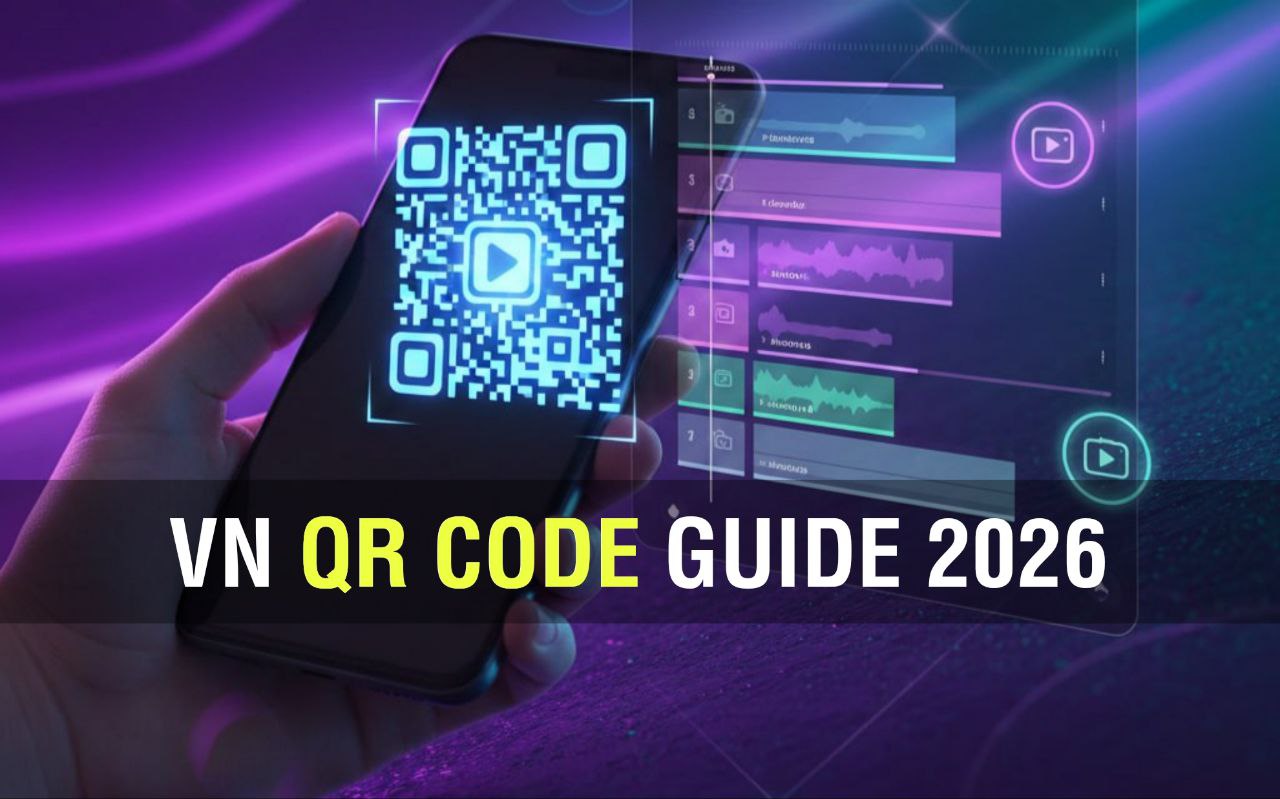
There are thousands of apps for editing short videos, but the truth is, most beginners quit because editing takes too long. VN Template QR codes change that. Instead of placing dozens of transitions manually or trying to time clips to music beats, a QR code instantly loads a complete editing structure inside VN — almost like unlocking a hidden editing shortcut. In 2026, QR templates are becoming one of the fastest ways to create Reels and Shorts that actually look deliberate and professional, even if you’re editing on a phone for the first time.
This guide is written in a straightforward, human style — not just instructions, but real advice from experience, mistakes, and common problems beginners face.
What Are VN Template QR Codes (Explained in Simple Language)
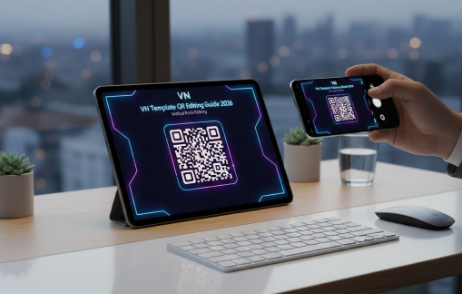
A VN Template QR code is basically a pre-built video project saved in visual form. When VN scans it, the app doesn’t just import a filter or a single effect — it imports an entire timeline. That includes clip duration, transitions, text animations, overlays, motion effects, audio sync markers, and more. It is similar to opening a completed editing project that another creator designed, except you get to replace all the placeholders with your own clips.
The biggest advantage here is structure. Many people have good footage but no idea how to arrange it. QR templates solve this instantly by giving you a layout that already works.
Why VN QR Templates Are So Popular for Reels and Shorts in 2026
Short-form content is fast: burn-rate trends, quick sounds, daily challenges, seasonal audio, aesthetic edits — everything is about speed.
Creators use VN QR templates for five reasons:
- You don’t start from blank.
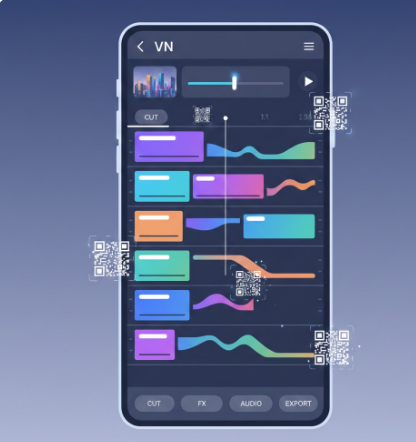
- You learn editing style by observing the template timeline.
- You post more frequently without draining your time.
- You get high-quality pacing and beat sync effortlessly.
- You avoid complicated manual editing.
People underestimate one simple fact: consistency beats talent. Someone who posts five decent videos a week will grow faster than someone who posts one “perfect” video every month. QR templates help with consistency.
How to Use VN Template QR Codes: A Realistic, Beginner-Friendly Walkthrough
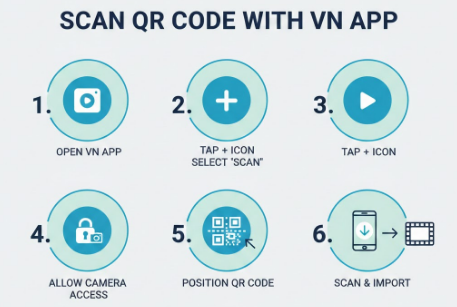
Step 1 — Install VN and give gallery access
The app is free and small in size. Let it read your photos and videos because you’ll need to replace template clips later.
Step 2 — Open the QR import option
On VN’s home screen, look for “Scan” or “QR.” Don’t worry if it’s not in the same place on your device — VN updates often, but the feature is always available.
Step 3 — Scan from camera or gallery
Here’s a pro tip most people don’t know: screenshots work perfectly. If you see a QR code on Pinterest, Instagram, YouTube, etc., take a screenshot and import it.
Step 4 — Replace template clips with your content
This is where creativity matters. Don’t rush this part. Try different shots, angles, and moments. Even a basic coffee cup shot can look aesthetic with the right template.
Step 5 — Customize before exporting
This is where you add uniqueness:
- Change fonts
- Modify colors
- Replace music
- Add brand sticker or watermark
- Adjust pacing slightly
Small changes make a template feel like your style, not a copy.
Step 6 — Export in vertical format
Use 1080×1920 (9:16) minimum. If you have a good phone, 4K is great for YouTube Shorts.
Editing Principles Most Beginners Don’t Know
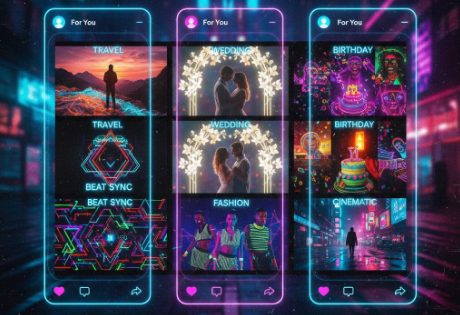
These are human editing lessons that QR templates won’t teach you, but you should keep in mind:
📌 “First frame rule”
The very first image decides whether someone watches or scrolls away. Use a strong visual at the start — not a random clip.
📌 “Motion before transition”
Always place moving shots before transitions. Still shots + fancy transitions = awkward editing.
📌 “Silent space for impact”
Don’t overcrowd the video with effects. Let some moments breathe.
📌 “Noise attracts attention”
Texture overlays, grain, and light leaks make simple footage feel cinematic instantly.
📌 “One theme per video”
Don’t mix travel, friends, and pets in a single reel — choose one mood per video.
These concepts come from practiced experience, not just instructions written by software.
Trending VN Template QR Types in 2026 (Unique List with Explanation)
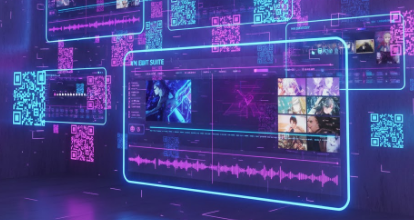
Here are not just types, but why they work:
- Minimal typography reels — clean text makes everyday footage feel premium
- Vintage 90s templates — nostalgia always performs well
- Soft flash wedding edits — emotional retention is very high
- Urban beat sync transitions — perfect for nightlife and travel
- Loopable aesthetic clips — easy to rewatch, good for algorithm
- AI motion photo templates — still photos animated like videos
- Mood-board style reels — excellent for Pinterest and fashion content
- Micro-story templates — 5-7 clips that tell a beginning, middle, and end
Where to Find Good VN QR Templates (Real Sources, Not Generic)
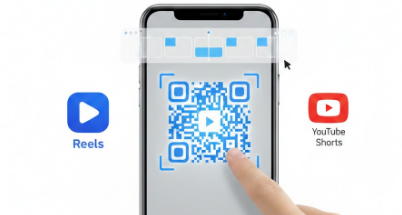
To keep this human and useful, here are practical places where editors share quality QR templates:
- Pinterest boards like VN Templates 2026
- YouTube search: “VN beat sync QR”
- Telegram groups (daily drops)
- WhatsApp editor communities
- Reddit: r/MobileEditing
- Private creator groups on Instagram
Pro tip:
If a QR template video has more than 10k saves on Instagram, it usually has a strong layout and pacing.
About Vn Templates:
Is every VN QR code safe to scan?
If it’s only an image, yes. QR templates don’t open external links — they just import VN projects.
Will my video look exactly like the template?
Only if you copy everything. Change font, change audio, shift timing slightly — you instantly get a fresh version.
Can I make my own QR templates?
Yes. Inside VN you can export any project as a QR code. This is a powerful way to share your editing style with followers.
✅ FAQ — VN Template:
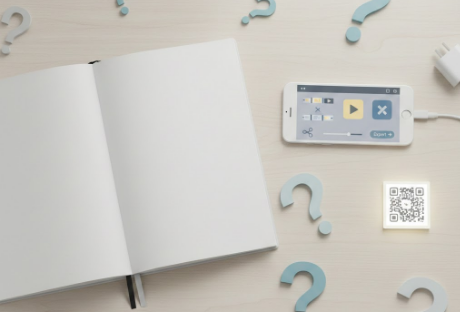
1. What exactly is a VN Template QR Code?
A VN template QR code is a scannable graphic that lets you instantly import a complete editing preset into the VN video editing app. When you scan it, VN automatically loads transitions, music timing, text animations, filters, and clip structure in seconds. Instead of starting from a blank timeline, you begin with a pre-built style.
2. Do VN QR template codes work on both Android and iOS?
Yes. VN template QR codes work perfectly fine on both Android and iPhone. All you need is the VN app updated to the latest version. Just open VN → tap “Import via QR” and scan from any screen — even another phone.
3. Are VN QR templates free to use?
Most QR templates shared online are free, especially those posted on Instagram, Pinterest, YouTube, and Telegram groups. However, some creators release premium templates with copyright-free music and exclusive effects. Always check licensing if you plan to monetize your videos.
4. Why should I use QR codes instead of making my own templates?
QR templates save hours of editing time. Instead of adjusting each beat cut, motion blur, or sound effect manually, a QR template drops a complete setup into your timeline instantly. For beginners, it makes editing easier. For pros, it speeds up consistency and allows faster content production.
5. Can I customize the template after scanning it?
Absolutely. After importing the QR template, you can:
- Replace videos
- Change fonts
- Modify transitions
- Adjust music timing
- Add overlays or text
You are not locked to the original creator’s settings — think of it as a base design.
6. What type of videos work best with VN template QR codes?
These templates are especially powerful for:
✔ Reel transitions
✔ Beat-sync music edits
✔ Before/after clips
✔ Travel highlights
✔ Birthday edits
✔ Dance and lip-sync videos
✔ Aesthetic cinematic shorts
✔ Anime and gaming edits
If your video depends on pacing and style, QR templates are perfect.
7. Is scanning a QR template safe?
Yes, a VN QR code only contains editing preset data, not malware or external links. Still, download templates only from trusted communities and avoid unknown shortened URLs.
8. Can I create a QR code from my own template?
Yes. VN allows creators to export their timeline as a QR code. This is useful if you run an editing page, sell presets, or share transitions with friends. Go to Export → Template → QR Code and save or post it.
9. Do QR templates affect video quality?
No. The template only stores effects and timing. Your final quality depends on your original footage and export settings (1080p 60fps is recommended for Reels and Shorts).
10. Where do I find trending VN template QR codes in 2026?
Some reliable sources include:
- Pinterest boards
- Instagram pages posting “VN QR codes”
- YouTube editing channels
- Telegram VN template groups
- CapCut → VN conversion posts
- Video editing blogs and websites (your webpage can be one!)