Color grading is one of the most powerful ways to make your videos stand out. It’s more than just adjusting brightness or contrast—it’s about setting a mood, telling a story, and creating a professional feel. In 2026, Android creators no longer need expensive software or a high-end computer to achieve cinematic quality. With the right apps, you can transform simple footage into eye-catching videos for Instagram, TikTok, YouTube Shorts, or even personal projects. In this guide, we’ll explore the best Android apps for color grading, explain their features, and give tips on how to get the most out of them.
1. CapCut – The Social Media Creator’s Go-To App
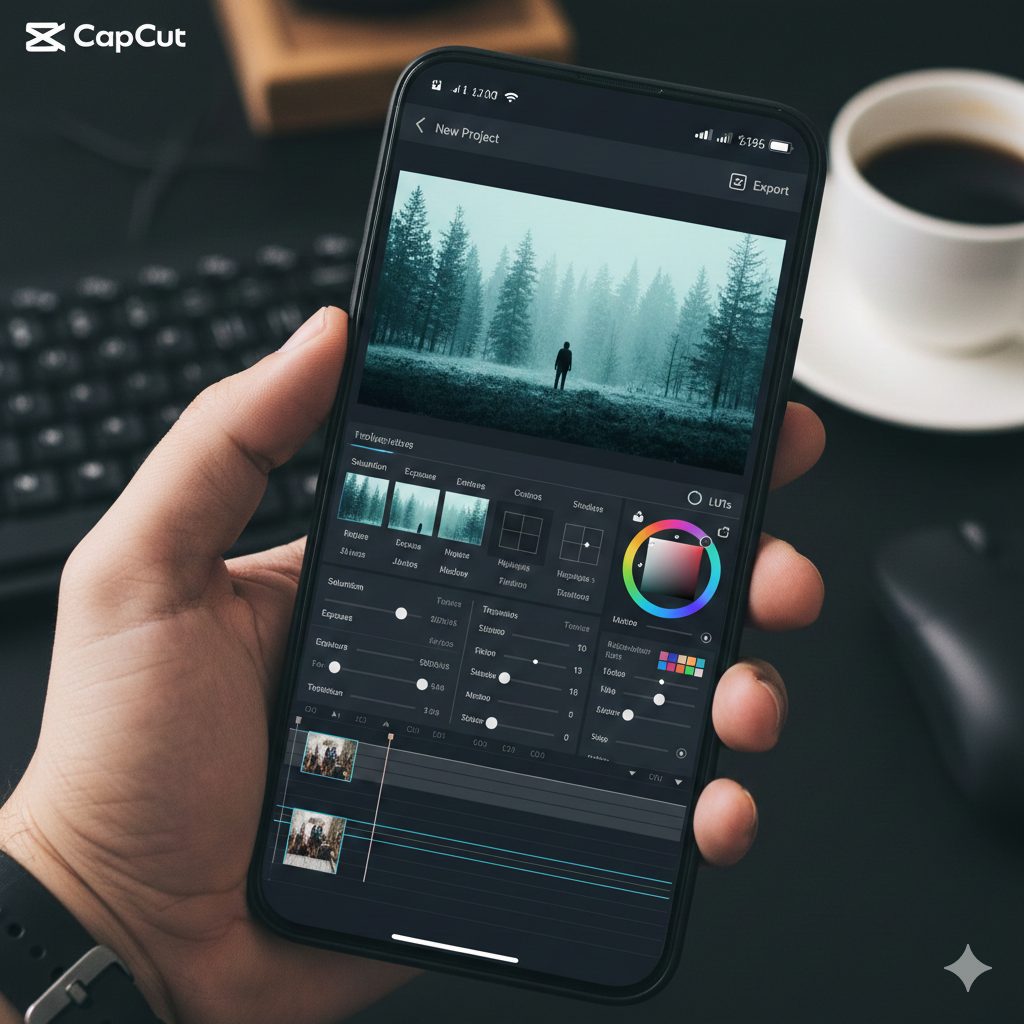
CapCut has become the go-to editing app for countless content creators, especially for Instagram and TikTok. Its combination of simplicity and powerful features makes it perfect for both beginners and intermediate editors who want professional results without complexity.
Key Features for Color Grading:
- Detailed Color Adjustments: Control brightness, contrast, highlights, shadows, and saturation. Every little tweak counts.
- Cinematic LUTs and Filters: Apply prebuilt cinematic looks instantly for different moods and styles.
- Social Media Ready: Export in formats and resolutions optimized for Instagram, TikTok, and YouTube Shorts.
- AI Tools: Auto-correction and enhancement tools make color adjustments faster without losing control.
Practical Tips for Creators:
- Always start by adjusting white balance before adding filters. This ensures colors stay natural.
- Don’t rely solely on presets. Even slight tweaks to saturation or tint can make your video look uniquely yours.
- For travel or outdoor videos, try adjusting temperature to emphasize warmth or coolness depending on the scene.
Human Touch Insight: Many creators find that small, subtle changes often create the most emotional impact. Overdoing filters can make a video look artificial, whereas thoughtful adjustments bring your footage to life.
Download from here – CLICK HERE
2. VN Video Editor – Lightweight, Yet Professional
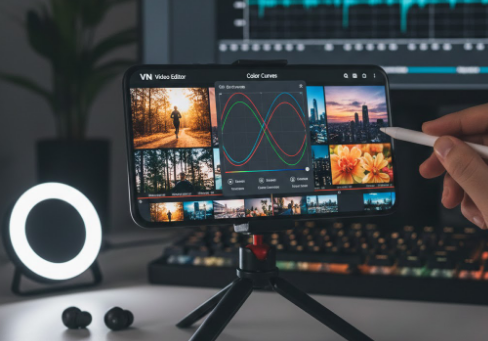
VN Video Editor is ideal for creators who want a balance between simplicity and advanced editing. Unlike other apps that focus mainly on filters, VN provides a more professional color grading workflow, similar to desktop software but optimized for mobile.
Why VN Stands Out:
- Color Curves: Adjust shadows, midtones, and highlights independently for precision grading.
- Preset Filters: Trendy palettes are available for fast application, perfect for social media.
- Layer Editing: Combine multiple clips and effects for seamless transitions.
- Export Options: Maintain high quality while preparing videos for Instagram or YouTube.
Pro Tips:
- Save your custom color presets to maintain consistency across multiple projects.
- Combine manual color curves with presets to avoid flat or over-processed visuals.
- Use VN for storytelling through color, like warm tones for nostalgic scenes or cool tones for dramatic sequences.
Human Touch Insight: VN’s workflow encourages creators to experiment. Don’t be afraid to play with shadows or highlights—they often define the mood more than filters.
Download from here – CLICK HERE
3. Adobe Lightroom Mobile – Professional Color Grading in Your Pocket
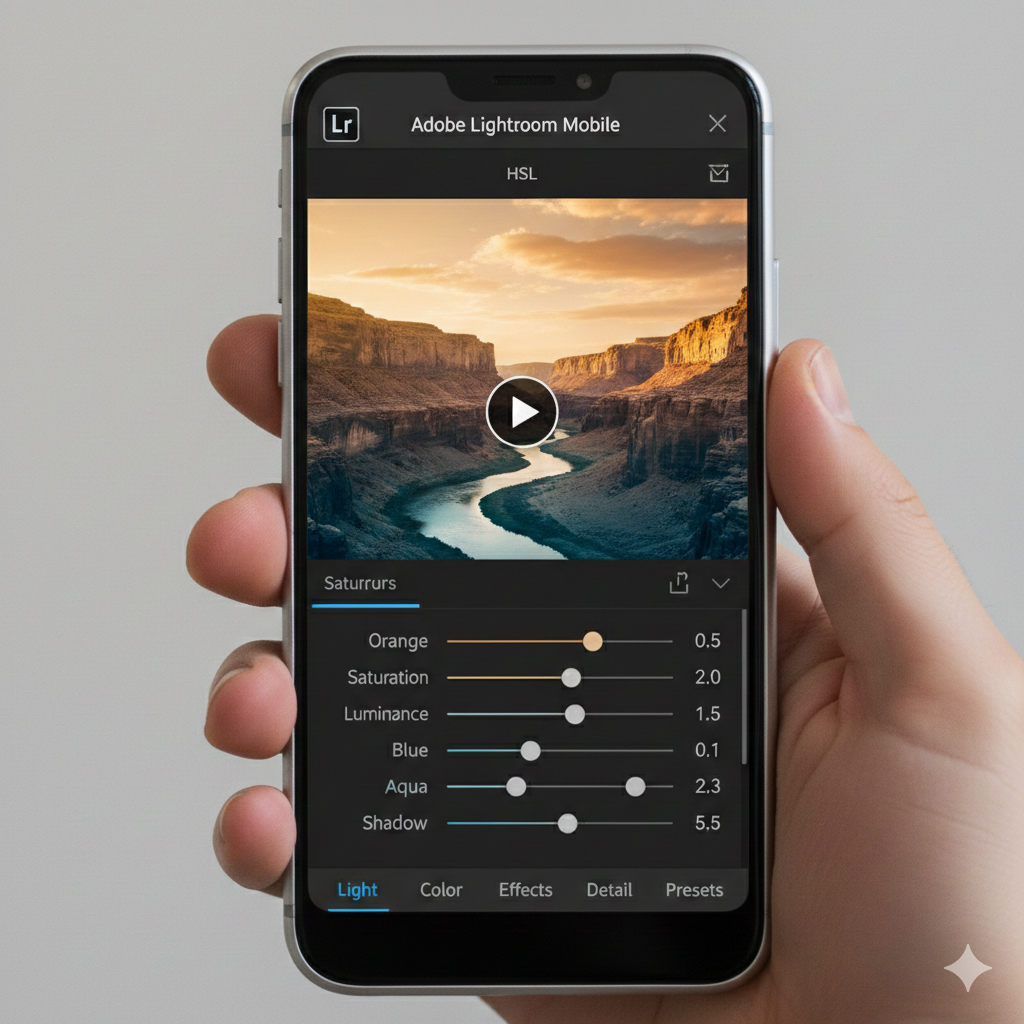
Adobe Lightroom Mobile has long been a staple for photographers, but its mobile version now supports video color grading, making it a powerful choice for Android creators who value precision.
Why Lightroom Mobile is Ideal:
- Advanced HSL Adjustments: Isolate and tweak individual colors—perfect for enhancing skies, foliage, or clothing.
- Presets & Profiles: Access cinematic, trending, and classic looks.
- Batch Editing: Apply the same color grading across multiple clips for a consistent look.
- Cross-Device Sync: Edit on your phone and pick up on desktop seamlessly.
Pro Tips:
- Start with exposure and white balance corrections before grading for a solid foundation.
- Experiment with subtle hue shifts to make certain elements pop without looking unnatural.
- Use Lightroom for cinematic storytelling, such as adjusting warm tones for sunsets or cooler tones for dramatic urban scenes.
Human Touch Insight: Lightroom allows creators to express emotion visually. For example, increasing warmth slightly in a family vlog evokes comfort and nostalgia, while muted tones in a travel video can create a moody, contemplative feel.
Download from here – CLICK HERE
4. Kinemaster – Advanced Editing and Layer Control
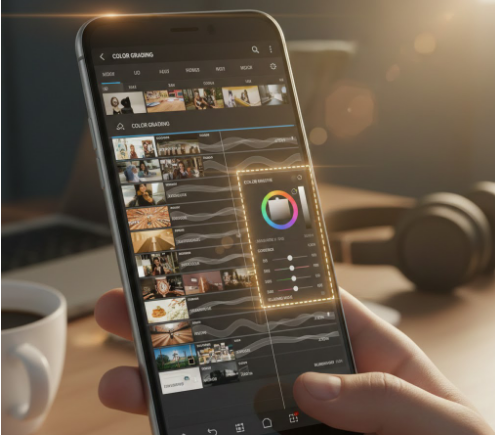
Kinemaster is perfect for creators who want desktop-like control on a mobile device. Its timeline-based editing allows precise adjustments, making it suitable for detailed color grading.
Key Features:
- Layered Color Adjustments: Different color settings for each clip or layer.
- Blending Modes & Overlays: Combine cinematic overlays to enhance color and depth.
- Chroma Key Support: Green screen integration with precise color grading.
- High-Resolution Export: 4K support ensures no loss in quality.
Pro Tips:
- Use Kinemaster to create complex edits with multiple clips, each with its own color grading.
- Combine LUTs with manual adjustments for unique visual styles.
- Check your videos on multiple screens to ensure colors look natural across devices.
Human Touch Insight: With Kinemaster, the secret is subtlety and layering. Instead of applying one bold filter, layered color adjustments create depth and cinematic realism.
Download from here – CLICK HERE
5. InShot – Quick, Trendy, and Mobile-Friendly
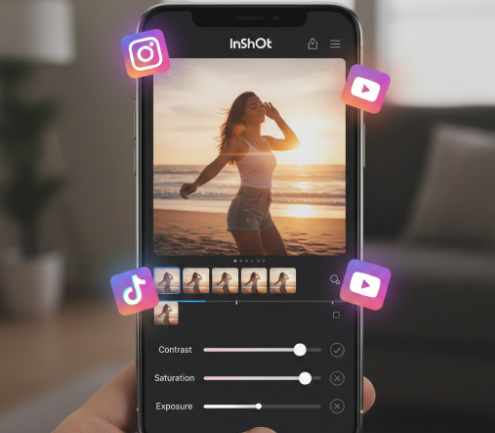
InShot is ideal for creators who prioritize speed and social media trends. While it doesn’t have the depth of CapCut or VN, it’s perfect for quick edits and viral content.
Why InShot Works:
- Simple Color Adjustments: Brightness, contrast, saturation, and warmth are easily tweakable.
- Trendy Filters: Keep up with social media aesthetics without extra effort.
- Direct Sharing: Export videos optimized for Instagram, TikTok, and YouTube.
Pro Tips:
- Apply filters lightly, then make small manual adjustments to maintain authenticity.
- Pair color grading with trending audio for higher engagement.
- Use InShot for final polishing after more detailed edits in CapCut or VN.
Human Touch Insight: InShot is a great tool for creators who want to finish projects quickly without sacrificing style, especially for reels, shorts, or time-sensitive content.
Download from here – CLICK HERE
Tips for Mastering Mobile Color Grading
- Start with Proper Exposure: Correcting lighting before grading ensures natural colors.
- Understand Your Mood: Warm tones evoke happiness, nostalgia, or comfort, while cooler tones create drama or suspense.
- Experiment with LUTs: Use them as a starting point, then tweak to fit your style.
- Consistency Matters: For Instagram feeds or video series, use the same presets for uniform aesthetics.
- Check Across Devices: Colors can look different on phones, tablets, or monitors. Always preview on multiple screens.
Choosing the Right App for Your Style
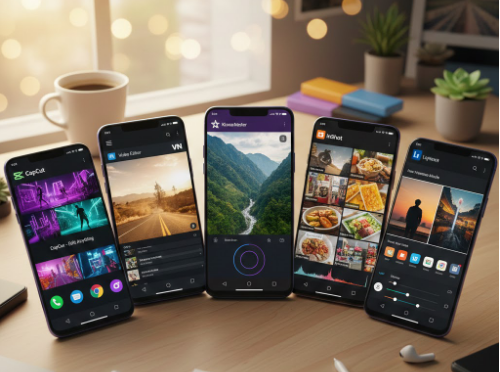
- Beginners & Social Media Creators: CapCut or InShot for quick, trendy edits.
- Intermediate Editors: VN Video Editor for control without overwhelming complexity.
- Professional Creators: Adobe Lightroom Mobile or Kinemaster for cinematic, detailed color grading.
There’s no single “best” app. Each has its strengths, and the right choice depends on your workflow, goals, and platform. The key is to experiment, trust your instincts, and keep practicing.
Conclusion: Android Color Grading in 2026
With the evolution of mobile editing apps, Android creators now have powerful tools at their fingertips. From quick social media edits to cinematic storytelling, you can achieve professional-level color grading without a PC or expensive software. Explore these apps, try their features, and discover the styles that match your creativity. Remember, color grading isn’t just technical—it’s about emotion, mood, and personal expression. Your Android phone in 2026 is not just a device; it’s a cinematic studio in your pocket.