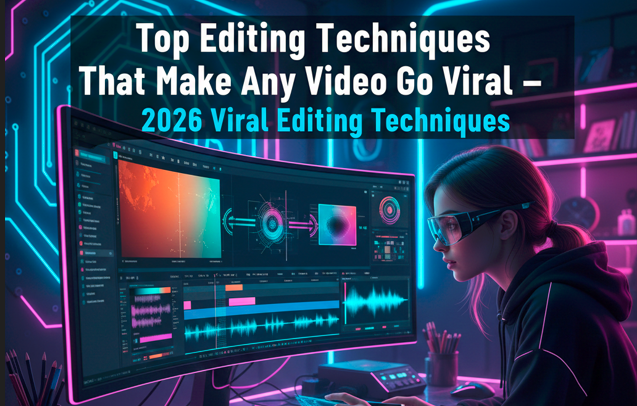
Creating viral videos in 2026 isn’t about luck, fancy equipment, or expensive effects. The secret lies in how you structure, pace, and polish your content to grab attention instantly, hold it, and leave a lasting impression. Millions of videos compete for viewers’ attention every day, yet only a handful manage to go viral. The difference is strategic editing combined with an understanding of human psychology.
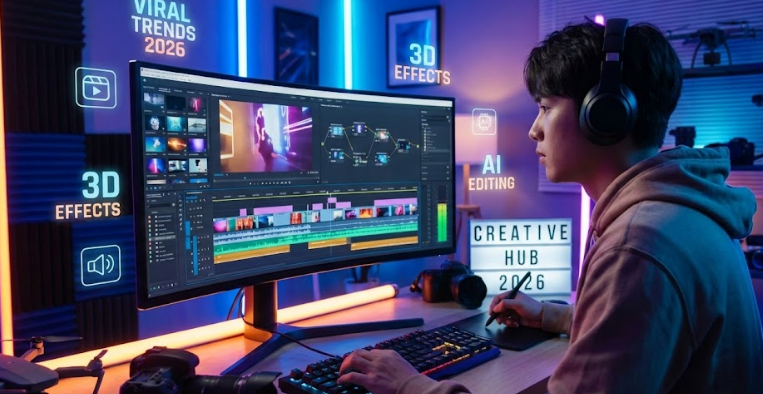
As someone who has spent hours analyzing viral trends and testing editing techniques firsthand, I’ve realized that editing is storytelling, timing, and emotion rolled into one. In this guide, we’ll dive deep into the most effective editing techniques that can make your videos stand out in 2026, complete with examples and practical tips you can apply immediately.
1. The First 3 Seconds: Hook Your Audience
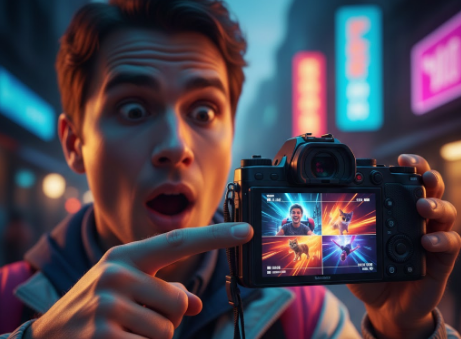
Did you know that viewers decide within the first 2–3 seconds whether to continue watching a video? In short-form content like Instagram Reels, TikTok, and YouTube Shorts, that window is even shorter. That’s why the hook is crucial.
A hook isn’t just flashy visuals or trendy music—it’s about creating curiosity, surprise, or emotion instantly.
Examples of hooks that work:
- Transformation: “Watch this dull room turn cinematic in just 5 seconds.”
- Mystery: Show the result first, then rewind to reveal how it happened.
- Bold statement: Something that shocks or challenges viewers’ expectations.
The key is to make the audience think: “I need to see what happens next.” This small moment can make or break your video.
2. Beat-Synced Editing: Make Every Frame Move with Music
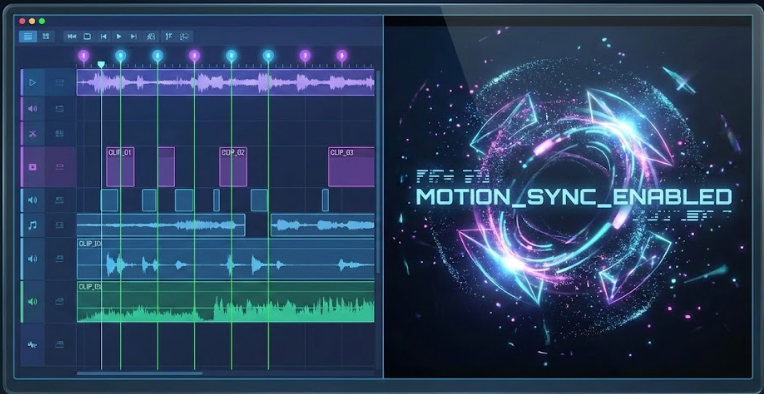
Music is more than background—it’s a tool to enhance emotional impact and rhythm. Beat-synced editing aligns visuals with audio cues, making your video feel naturally engaging.
How to implement beat-sync editing:
- Cut clips or change angles on the beat.
- Animate text, graphics, or effects with the rhythm.
- Use motion-based transitions (zoom, pan, shake) timed to musical cues.
Tools for beat-sync editing:
- CapCut: Auto beat detection and alignment.
- VN Editor: Curve-based speed adjustments for precise timing.
- Alight Motion: Motion presets that follow audio rhythms.
When visuals and audio are in harmony, viewers remain more engaged, often without realizing why.
3. Pattern Interrupts: Stop Scrolling Instantly
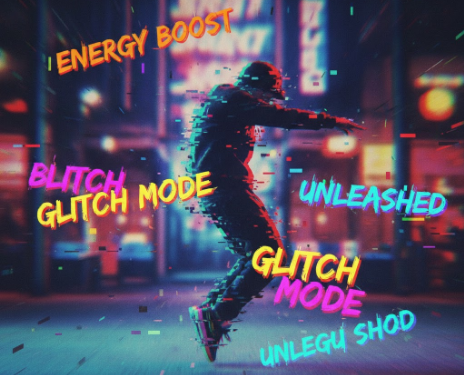
Viewers scroll quickly. Without constant stimulation, they’ll move on. Pattern interrupts are sudden changes that snap attention back.
Examples:
- Quick zoom-in or zoom-out.
- Sudden change in camera angle.
- Flash or glitch effect.
- Unexpected sound effect or text animation.
Even a fraction of a second change can re-engage viewers. Think of editing as a conversation: if your pace or tone doesn’t vary, people lose interest.
4. Storytelling Through Editing: Hook, Build, Reward
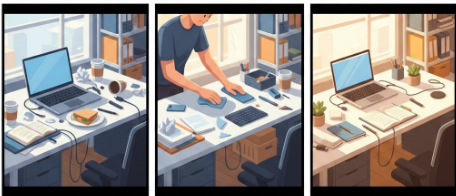
Viral videos are rarely random clips stitched together. They follow a story structure, even in just 15 seconds. The Hook-Build-Reward (HBR) framework works wonders:
- Hook: Grab attention immediately.
- Build: Provide context, tension, or development.
- Reward: Deliver a payoff or reveal.
Example:
Hook: Show a messy desk.
Build: Quickly demonstrate your cleaning hacks.
Reward: Reveal the beautifully organized final desk.
Even short videos feel satisfying and complete when structured like a story.
5. High Cut Density: Keep the Pace Fast
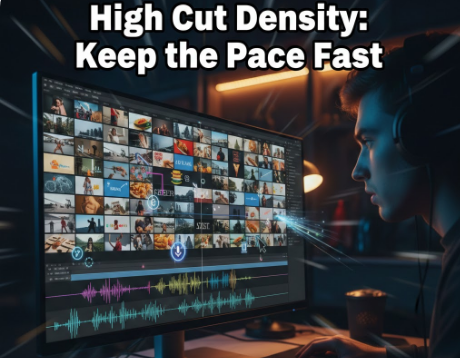
Attention spans are shorter than ever. Viral videos in 2026 often use 20–30 cuts in 15 seconds, compared to the older 7–10 cuts standard.
Why this works:
- Keeps visuals constantly changing.
- Prevents boredom.
- Increases watch completion rates.
Guidelines:
- Short-form: 0.3–0.7 seconds per cut.
- Long-form: 1–3 seconds per cut, depending on narrative.
High cut density combined with rhythm and motion makes even simple footage feel professional.
6. Kinetic Subtitles: Speak Without Sound
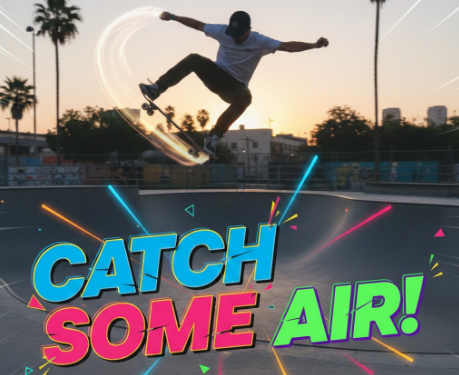
Most social media videos are watched without audio. Plain subtitles aren’t enough anymore. Kinetic subtitles (animated text) engage viewers, highlight key points, and match the video’s rhythm.
Tips for kinetic subtitles:
- Animate words in sync with speech or actions.
- Highlight emotional or important words with color or bold font.
- Match movement and animation to beats or transitions.
Popular styles include bold white text with drop shadows, neon highlights for key words, or popping letters for dramatic effect. Subtitles not only improve accessibility but boost engagement and retention.
7. Cinematic Color Grading: Convey Emotion
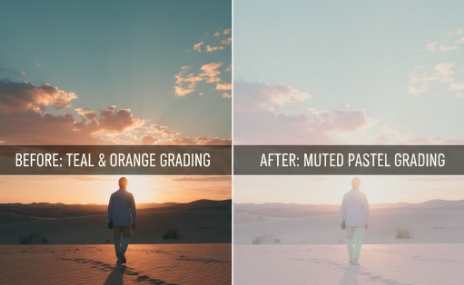
Color sets the mood. Viral editors use subtle color grading to evoke emotion rather than just making a video “look nice.”
Popular styles in 2026:
- Teal & orange for energetic or cinematic look.
- Pastel and muted tones for travel, lifestyle, or dreamy content.
- High contrast with deep shadows for drama.
- Minimalistic, clean tones for a professional aesthetic.
Tools: CapCut, VN, and Lightroom Mobile with custom LUTs allow precise control. Avoid oversaturation; subtle contrast and clarity often perform better than flashy filters.
8. Looping: Encourage Replays
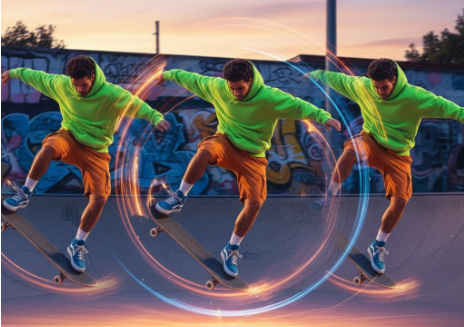
A video that loops smoothly can double watch time without adding length. Replays signal platforms that content is engaging, boosting algorithm reach.
Looping techniques:
- Start and end on similar frames.
- Reverse short clips at the end.
- Continuous motion shots.
- Align audio to the visual loop.
Even a subtle loop increases completion rates significantly, making your video more likely to trend.
9. Micro Sound Effects: Tiny Details, Big Impact
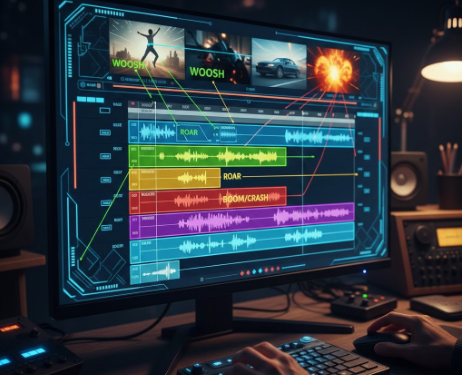
Well-placed sound effects enhance engagement. Even 0.1–0.3 second effects can create dopamine spikes that keep viewers watching.
Examples:
- Whoosh for fast movements.
- Pop for text appearance.
- Boom or bass drops for reveals.
- Camera shutter or swipe for transitions.
Think of sound like seasoning—it enhances the experience without overwhelming the main content.
10. Silent Storytelling: Universal and Accessible
Silent videos are a growing trend. They work globally, avoid copyright issues, and encourage viewers to watch multiple times.
Techniques:
- Use gestures, actions, and visual cues.
- Add captioned storytelling.
- Create loops for natural replay.
- Use visual puzzles or challenges to engage attention.
Silent storytelling is versatile, making videos accessible to anyone, anywhere, without sound.
11. Advanced 2026 Techniques for Viral Videos
- Motion tracking: Pin graphics or text to moving objects.
- Speed ramps: Slow down or speed up moments dynamically.
- Split screens & overlays: Show multiple perspectives simultaneously.
- AR filters: Enhance visual appeal with augmented reality.
- Interactive call-to-action graphics: Encourage engagement mid-video.
These techniques enhance retention and amplify the emotional impact of your video.
Final Thoughts: Editing is the Key to Virality
In 2026, viral video success isn’t about fancy gear or luck—it’s about understanding human attention and delivering it with precision through editing.
To summarize, focus on:
- Capturing attention in the first 3 seconds.
- Using beat-sync and high-density cuts to maintain pace.
- Incorporating pattern interrupts and micro effects.
- Adding kinetic subtitles and color grading for emotional impact.
- Leveraging loops, silent storytelling, and sound effects for replays.
- Structuring every video with Hook-Build-Reward storytelling.
Every cut, effect, and color choice should serve the viewer’s experience. When editing becomes a combination of art, science, and human psychology, videos stop being just clips—they become experiences people want to watch, share, and rewatch.
Frequently Asked Questions (FAQ)
1. What is the most important factor to make a video go viral in 2026?
The most critical factor is engaging editing combined with emotional storytelling. Viewers decide within the first few seconds whether they’ll keep watching, so having a strong hook, pacing that keeps attention, and a satisfying payoff dramatically increases your chances of virality.
2. How long should a viral short-form video be?
For platforms like TikTok, Instagram Reels, or YouTube Shorts, the ideal length is 15–30 seconds. However, the focus should be on dense, engaging content rather than length. Every second should either hook, entertain, or provide value.
3. What is a “pattern interrupt” and why is it important?
A pattern interrupt is a sudden change in visuals, pace, or audio designed to recapture viewer attention. For example, a quick zoom, glitch, or text pop-up. It prevents viewers from scrolling away and keeps the content dynamic, which is crucial for short-form viral videos.
4. Are subtitles necessary for viral videos?
Yes! Most people watch social media videos without sound, so adding kinetic, animated, or visually engaging subtitles ensures your message is understood and retains viewers. Subtitles also make videos more accessible and shareable across different regions.
5. How does beat-synced editing help videos go viral?
Beat-synced editing aligns visuals, cuts, and transitions with music or audio cues. This creates a natural rhythm that is psychologically pleasing and makes viewers subconsciously stay engaged. It also enhances the overall entertainment value.
6. Can videos go viral without sound?
Absolutely! Silent storytelling has become increasingly popular in 2026. By using expressive gestures, captions, loops, and visual cues, a video can attract attention, tell a story, and encourage replays without any audio.
7. What role does color grading play in viral content?
Color grading enhances the mood and emotion of your video. For example, teal and orange tones give cinematic energy, while muted pastels create a calm, dreamy feel. Subtle, intentional grading makes your content visually appealing and more likely to be shared.
8. How can I use looping to increase watch time?
Looping a video makes it replay seamlessly. This increases watch completion and engagement, which signals social platforms that your content is high-quality. Loops can be created by repeating motions, reversing the last second, or aligning audio with the visual start and end.
9. What editing apps are recommended for viral videos in 2026?
Some of the top mobile editing apps for creating viral content are:
- CapCut: Beat-sync, transitions, effects, and color grading.
- VN Editor: Speed curves, motion editing, and cinematic presets.
- Alight Motion: Motion graphics, overlays, and advanced effects.
- InShot & Kinemaster: User-friendly tools for quick edits and kinetic text.
10. How often should I change visuals or cuts in a short video?
In short-form videos, cut density is key. Aim for 20–30 cuts in 15 seconds, or roughly 0.3–0.7 seconds per shot. This keeps the pace fast, attention high, and makes even simple footage feel professional and dynamic.
11. Are advanced effects like AR or motion tracking necessary to go viral?
Not always. While effects like motion tracking or augmented reality can enhance videos, the core of virality is storytelling, attention retention, and emotional engagement. Effects are tools to amplify these principles, not substitutes for them.