
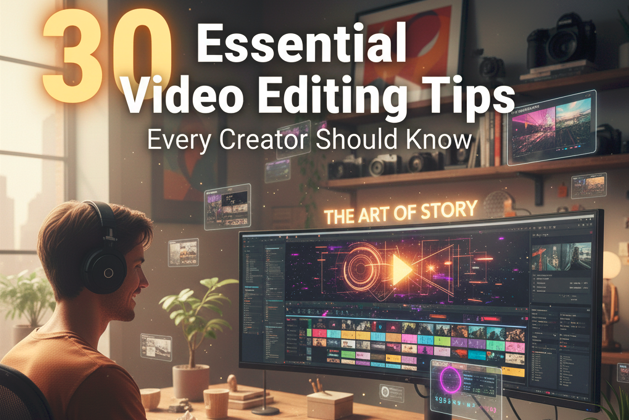
Video editing isn’t just about trimming clips and adding effects—it’s about storytelling, evoking emotion, and keeping your audience hooked from start to finish. Every cut, transition, and color adjustment contributes to the way viewers perceive your content. For creators, mastering editing techniques can transform ordinary footage into something truly memorable. Whether you’re a beginner who feels overwhelmed by timelines and software or an experienced editor looking to polish your craft, these 30 essential video editing tips are designed to guide you toward creating professional, engaging, and impactful videos that resonate with your audience while reflecting your unique style and creativity.
1. Organize Your Footage Before You Begin
Tip: Keep all your raw footage neatly organized in labeled folders. Sorting clips by scene, angle, or type of content ensures that you can find what you need without frustration. Organization might seem tedious, but it is a crucial foundation for creativity. Personally, I’ve saved countless hours by labeling everything before opening my editing software. Think of it like prepping ingredients before cooking; a smooth workflow allows you to focus entirely on telling your story instead of hunting for clips.

2. Plan Your Video with a Storyboard
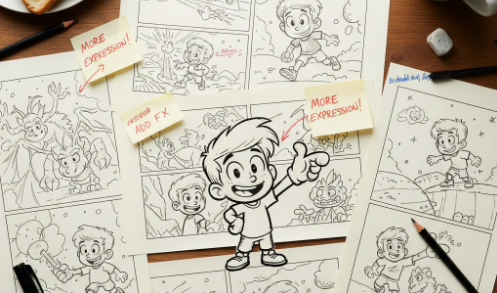
Tip: Create a storyboard or visual outline before you start editing. Even simple sketches or notes about each scene, shot, or transition can give your video a clear direction. Storyboarding prevents creative blocks, highlights pacing issues in advance, and ensures every clip has a purpose. In my experience, a storyboard transforms chaotic editing into a focused process, making the final product feel intentional and thoughtfully crafted.
3. Trim Ruthlessly to Keep Viewers Engaged
Tip: Cut every second of footage that doesn’t serve your story. Long pauses, repetitive shots, or off-topic moments drag your video down and reduce engagement. I’ve learned that concise storytelling keeps viewers invested and makes your content feel professional. Think of trimming as sculpting—removing the unnecessary to reveal the best version of your video.
4. Use Jump Cuts Strategically
Tip: Employ jump cuts to maintain a fast pace, but use them with care. Overusing jump cuts can make your video feel disjointed, while thoughtful placement keeps the narrative lively. I often pair jump cuts with consistent backgrounds or subtle sound effects to preserve flow. When done right, jump cuts make even simple talking-head videos dynamic and engaging.
5. Prioritize Audio Quality
Tip: Ensure your dialogue is clear, music is balanced, and sound effects are crisp. Poor audio can ruin otherwise great visuals. I spend almost as much time refining audio as visuals, removing noise, leveling voiceovers, and mixing tracks so they enhance rather than compete with each other. Audio shapes the viewer’s emotions and is key to immersive storytelling.
6. Choose Music That Matches the Mood
Tip: Select background music that complements your story without overpowering dialogue. Music sets tone and emotion, whether it’s energetic, calming, or dramatic. I always test different tracks to see how they affect the video’s atmosphere. The right music makes your content memorable and emotionally engaging.
7. Synchronize Audio and Visuals
Tip: Align your voiceovers, music, and sound effects with on-screen action. Even a small mismatch can distract viewers. I often check lip-sync and beat alignment multiple times. Proper synchronization creates a polished, professional feel and ensures the audience experiences your story seamlessly.
8. Color Correct for Consistency
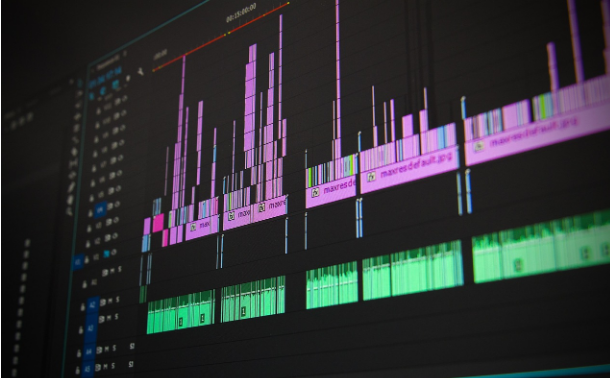
Tip: Adjust brightness, contrast, and white balance to make all clips match visually. Inconsistent color draws attention away from the story. I’ve found that even minor tweaks dramatically improve a video’s professionalism, ensuring every shot feels like part of a cohesive visual world.
9. Color Grade to Convey Emotion
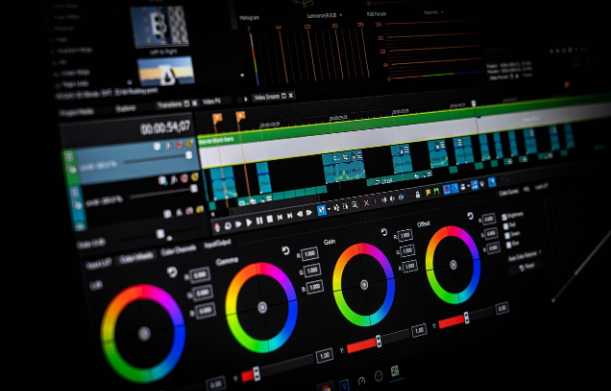
Tip: Use color grading to set the mood of your video. Warm tones evoke comfort and happiness, cool tones suggest calm or tension, and muted palettes create drama. Subtle grading allows you to communicate emotion visually, enhancing storytelling without a single word being spoken.

10. Keep Transitions Simple
Tip: Use clean cuts, fades, or cross-dissolves. Overly flashy transitions distract from your content and reduce viewer immersion. Simple transitions help maintain flow and professionalism, allowing your story to shine naturally.
11. Highlight Key Points with Text
Tip: Add readable text overlays to emphasize important points. Whether showing statistics, quotes, or instructions, text reinforces your message without cluttering the frame. I usually stick to minimal, clean fonts to ensure clarity and focus.
12. Add Subtitles for Accessibility
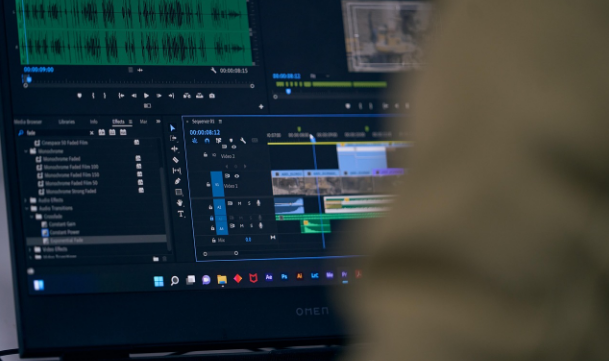
Tip: Subtitles make your content accessible to viewers who are hearing-impaired or watching without sound. They also improve engagement and show attention to audience needs. Subtitles act as a guide, ensuring everyone can follow your story easily.
13. Use Motion Graphics Sparingly
Tip: Incorporate animations or graphics only when they enhance understanding or storytelling. Overuse can feel chaotic. I use graphics to clarify points or highlight actions subtly, ensuring they complement the video rather than dominate it.
14. Guide Focus with Zooms and Pan
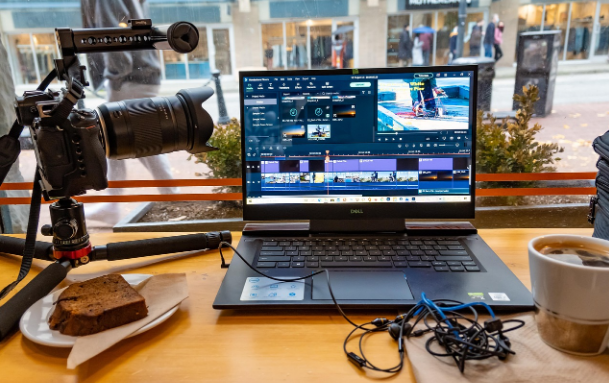
Tip: Employ subtle zooms and pans to direct viewers’ attention to key elements. For instance, a slow zoom on a subject’s face emphasizes emotion, while a gentle pan highlights details in a scene. These movements add depth without feeling intrusive.
15. Incorporate B-Roll Footage
Tip: Use B-roll to add context, variety, and visual interest. It supports storytelling, illustrates points, and fills transitions naturally. I always gather extra footage to layer into my main shots, making the narrative richer and keeping viewers engaged.
16. Stabilize Shaky Clips
Tip: Use stabilization tools to smooth handheld footage. Shaky clips can distract and reduce perceived professionalism. Even subtle stabilization creates a more polished, cinematic look that draws viewers into your story.
17. Cut on Action
Tip: Make edits during motion to maintain continuity and flow. Cutting while a subject moves prevents jarring jumps and creates a seamless viewing experience. This subtle technique makes videos feel smooth and professional.

18. Keep Consistent Branding
Tip: Use consistent fonts, colors, and logos to reinforce your identity. Consistency communicates professionalism and builds recognition. I ensure every video aligns with my visual style to create a cohesive brand experience.
19. Hook Viewers Immediately
Tip: Capture attention in the first few seconds with an intriguing shot, question, or promise of value. I experiment with hooks to see what keeps viewers watching. A strong opening sets the tone and emotionally engages your audience instantly.

20. Craft a Thoughtful Outro
Tip: End your video with clear calls-to-action, suggested videos, or brand reminders. A memorable outro encourages viewers to interact further and reinforces your identity. I treat it as a final handshake that leaves a lasting impression.
21. Layer Audio Like a Pro
Tip: Mix voiceovers, music, and sound effects carefully. Balanced audio adds depth and emotion, while poor mixing can distract. I adjust each element minutely to create harmony, enhancing immersion and storytelling impact.
22. Use Keyframes for Smooth Motion
Tip: Keyframes allow precise control over movements and effects. I use them for subtle camera shifts, animated text, or dynamic graphics, giving videos a polished, intentional look without overwhelming the viewer.
23. Optimize for Platform Format
Tip: Tailor your video’s aspect ratio, resolution, and length for the platform you’re posting on. A YouTube widescreen video differs from a TikTok vertical clip. Platform optimization ensures the best viewer experience and maximizes engagement.
24. Apply Subtle Effects to Enhance, Not Distract
Tip: Use filters, vignettes, or light effects sparingly to support storytelling. Overuse can feel gimmicky. Thoughtful application adds visual interest while keeping the focus on your content.
25. Maintain Proper Pacing
Tip: Balance fast and slow moments to match the story’s rhythm. Poor pacing bores viewers or overwhelms them. I adjust scene length and transition timing until the video feels smooth and natural, keeping attention and emotional flow intact.
26. Review Multiple Times Before Exporting
Tip: Watch your video repeatedly to catch mistakes, continuity errors, or pacing issues. Fresh eyes can reveal subtle improvements. This review ensures the final product is polished, professional, and enjoyable to watch.

27. Export in High Quality
Tip: Choose the best resolution and format for your platform. High-quality exports communicate professionalism and respect for viewers’ experience. I balance file size and quality to ensure sharp, clean playback everywhere.
28. Always Keep Backup Copies
Tip: Save raw footage, project files, and final versions. Technical issues happen, and backups prevent lost work. Having multiple copies gives peace of mind and security for your creative efforts.
29. Learn Keyboard Shortcuts
Tip: Shortcuts speed up editing and reduce repetitive strain. Mastering them improves workflow efficiency, allowing you to focus more on creative decisions rather than manual operations. I’ve found that this small investment saves hours over time.
30. Practice, Experiment, and Evolve
Tip: Treat editing as a craft that grows with practice. Try new techniques, pacing, or effects regularly. Experimentation fuels creativity and helps you discover a style unique to you. Over time, your videos will reflect both your technical skill and personal voice, making them more engaging and memorable.
Conclusion
Video editing combines technical skill, creativity, and emotional storytelling. By applying these 30 essential tips, you can produce content that captivates, engages, and leaves a lasting impression on your audience. Each tip encourages deliberate, thoughtful decisions that enhance professionalism, improve flow, and connect with viewers emotionally. Editing is a journey—practice consistently, experiment boldly, and let your creativity guide every cut, transition, and effect.

Informative ♥️